Perspective - PDF Viewer
Component Palette Icon:

Description
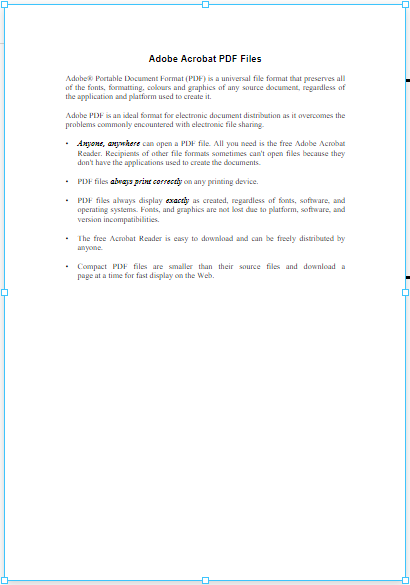
The PDF Viewer component displays a PDF that's hosted on a web server by providing a URL to the source property. A simple approach is to create either a File Resource or Mounted Folder within Web Dev, and set the source on the component to the resource's endpoint.
Properties
Most Properties have binding options. For more information on Bindings, see Types of Bindings in Perspective. This section only documents the Props Category of properties. The other Categories are described on the Perspective Component Properties page.
| Name | Description | Property Type |
|---|---|---|
| showPageNumber | If true, the current page number and page count will be shown at the bottom of the component. | value: boolean |
| source | Path to the .pdf file to be displayed. Expects a URL to a PDF hosted on a web server. | value: string |
| style | Sets a style for this component. Full menu of style options is available for text, background, margin and padding, border, shape and miscellaneous. You can also specify a style class. | object |
| page | The current page being displayed. | value: numeric |
| pageCount | The number of pages the pdf contains. Read only. | value: numeric |
Component Scripts and Events
Further component interaction and functionality can be configured for all components through scripting and event actions. Right-click on the component or select Components from the Designer menubar to access the configuration popups for both of these options:
- Configure Events: Accesses the Event Configuration popup where you can configure actions to run in response to events to make the component dynamic. The Events Configurations page shows how to configure events and actions on a Perspective component.
- Configure Scripts: Accesses the Script Configuration popup where custom methods and message handlers can be added. The Scripting in Perspective section details scripting fundamentals, creating custom methods, and using message handlers.
The PDF Viewer component also has Component Functions associated with it. See the Perspective - PDF Viewer Scripting page for more information.